
Quick check
Are your website enquiries reaching the right place?
If your website looks fine but leads are quiet, the issue may be hidden in your forms, email delivery, contact flow, messaging, or visibility.
Why Growing Businesses Should Use Email on Their Own Domain
Many small businesses begin with whatever tools are available.
A new business owner creates a social media page, registers on Google, starts taking enquiries, and uses an existing Gmail or Outlook address because it is quick and familiar. There is nothing unusual about that during the earliest stages of a business.
The problem appears when the business grows but the email setup does not grow with it.
A company may have a professional website, branded vehicles, paid advertising, active social media accounts, and established customers, while still asking people to contact something like businessname2024@gmail.com.
At that stage, email is no longer just a convenient inbox. It is part of the company's identity, customer communication, security, and digital infrastructure.
For most established businesses, an address such as hello@yourbusiness.co.uk, sales@yourbusiness.co.uk, or name@yourbusiness.co.uk creates a much stronger foundation.
EMPEX Digital can help businesses improve their domain and email configuration as part of wider website and digital projects. If you are planning a new website or improving an existing digital setup, explore our Web Design and Development service or book a consultation.
Your domain should be part of your business identity
A domain is more than the address of a website. It can become part of the identity of the company.
If a customer visits yourbusiness.co.uk, then receives an email from sales@yourbusiness.co.uk, the connection is immediately clear. The website and email belong to the same organisation.
A personal-style address creates a different experience. The customer may see a professional website but receive a quotation or invoice from an unrelated free-email domain. That does not automatically mean the business is untrustworthy, but it creates an unnecessary inconsistency.
Using your own domain also gives you flexibility as the company develops. Instead of one inbox doing everything, you can create addresses appropriate to different functions, such as sales@, support@, accounts@, or individual employee addresses.
The result is a communication structure that can grow with the business rather than remaining attached to the account that happened to be created when the company started.
Professional email does not mean running your own mail server
Moving to a custom-domain address does not mean a business has to build or maintain its own email server.
Services such as Microsoft 365 and Google Workspace allow organisations to use familiar email platforms while sending and receiving through their own domain.
This is an important distinction. The business can keep the usability, mobile applications, calendars, spam protection, and cloud infrastructure of a major provider while presenting customers with its own professional email identity.
For example, the inbox may still be accessed through Outlook, but customers see john@company.co.uk rather than an address ending in a consumer email domain.
The domain belongs to the business. The mail platform provides the infrastructure behind it.
This gives small businesses access to professional email without needing an internal IT department.
The business should control its email accounts
Ownership becomes particularly important when employees join the company.
If business communication takes place through employees' personal email accounts, customer conversations and company information can become difficult to manage. When that person leaves, the business may lose access to correspondence, contacts, attachments, or account recovery messages.
A company-managed email system creates clearer boundaries.
The organisation can create an account when somebody joins, apply suitable security settings, control access, and disable the account when the person leaves. Important correspondence remains part of the business environment rather than depending on an individual's personal account.
Shared addresses can also improve continuity. An address such as support@company.co.uk does not need to disappear because one employee changes role. Access can simply be transferred to another authorised person.
For growing companies, this is one of the most practical reasons to introduce proper email infrastructure early.
Security matters as much as appearance
Professional email is not only about looking more established.
Business inboxes can contain quotations, invoices, customer information, supplier conversations, password resets, contracts, internal files, and other sensitive information. If an attacker gains access to an important inbox, the consequences can extend far beyond reading email.
The UK National Cyber Security Centre warns that criminals who compromise business email accounts may access private information, impersonate the account owner, or use the inbox to gain access to other services.
You can read the NCSC's current small-business guidance here: Secure your email.
Businesses should therefore protect email accounts with strong authentication, secure recovery methods, sensible access permissions, and appropriate controls such as multi-factor authentication or passkeys where supported.
The domain itself also needs protection. Someone who gains control of the domain or its DNS settings may be able to interfere with website and email services.
Professional email should be treated as infrastructure, not simply another online account.
SPF, DKIM and DMARC protect the domain
Once a business begins sending email from its own domain, several technical records become important.
SPF helps identify which services are authorised to send email for the domain. DKIM provides a cryptographic signature that helps receiving systems verify that a message genuinely came through an authorised service. DMARC builds on these controls and provides instructions for how receiving servers should handle messages that fail authentication.
These technologies help reduce domain spoofing, where someone sends email pretending to represent your company.
The NCSC specifically recommends anti-spoofing controls for organisational domains and explains how SPF, DKIM and DMARC work together. Its guidance is available here: Email security and anti-spoofing.
Correct configuration also helps legitimate email providers understand which systems are allowed to send on behalf of the company.
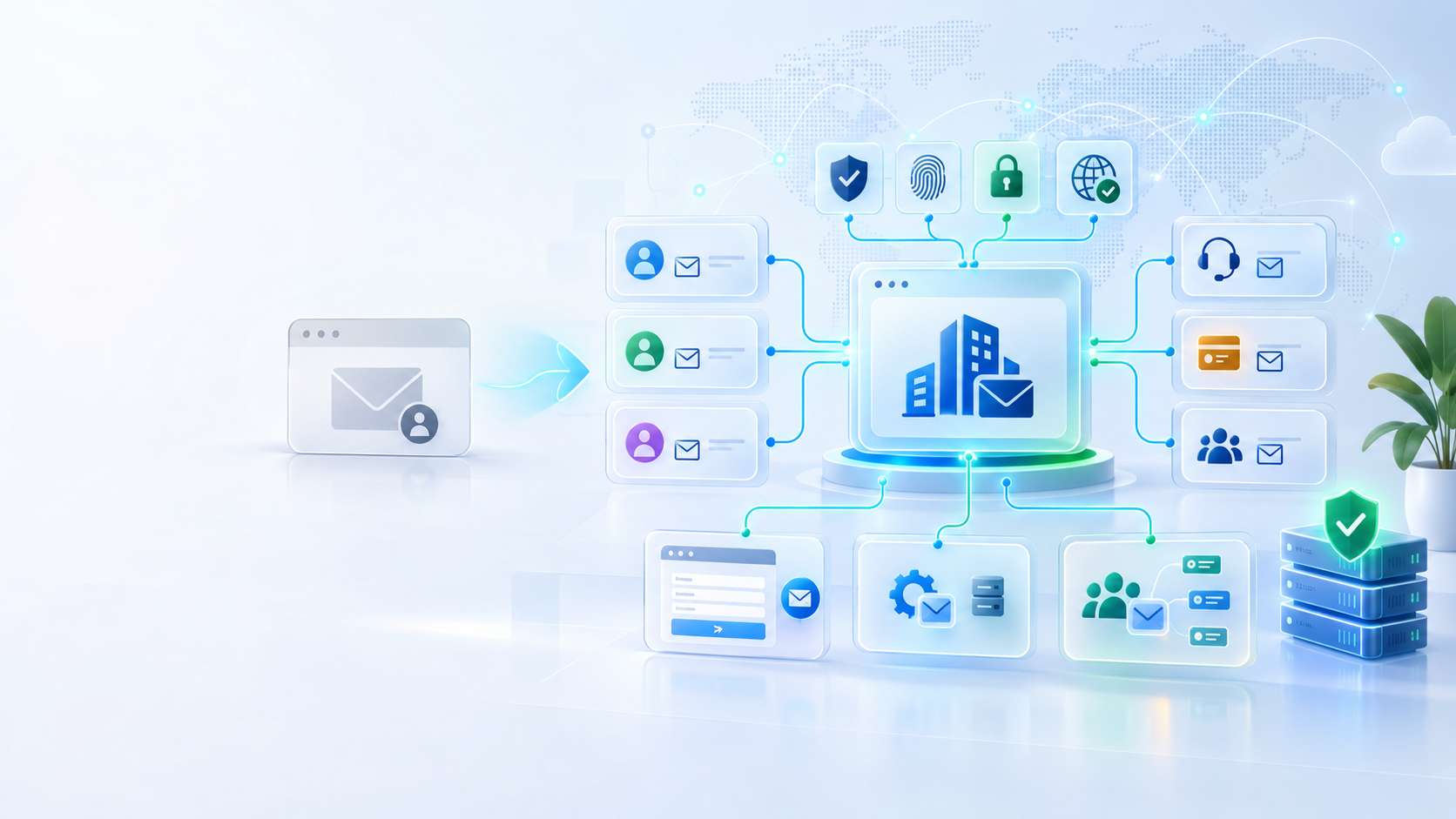
This becomes increasingly important when a business uses several platforms. Normal staff email may come from Microsoft 365, while the website sends contact confirmations through another provider and an e-commerce platform sends order messages through a transactional email service.
Those systems need to work together rather than creating conflicting authentication records.
Your website and email should work together
Professional email infrastructure becomes especially important when a website is involved.
A customer may complete a contact form, request a quotation, create an account, book an appointment, or place an order. The website then needs to send notifications reliably to both the customer and the business.
Using basic server-generated email without proper authentication can create delivery problems. Important messages may be delayed, rejected, or placed in spam.
A better setup separates the responsibilities clearly. Staff email can run through a business email provider, while automated website messages can use a properly configured transactional email service authorised to send from the domain.
This creates a more reliable customer journey. A visitor submits a form, receives confirmation from the same business domain, and the enquiry reaches the appropriate person internally.
Website development should therefore include email planning rather than treating form delivery as an afterthought.
Shared mailboxes can keep costs under control
One concern small businesses sometimes have is that professional email means paying for a separate licence for every possible address.
That is not always necessary.
Depending on the provider and configuration, a company may have licensed individual users alongside shared or functional mailboxes such as info@, support@, or accounts@.
This allows several people to manage a business function without sharing one employee's password or creating unnecessary personal accounts.
The exact setup depends on the organisation. A sole trader may only need one main mailbox and a couple of aliases. A growing company may need individual staff accounts, shared mailboxes, groups, automated addresses, and clear access permissions.
The goal is not to create as many addresses as possible. It is to create a simple structure that reflects how the business actually communicates.
Keep transactional and marketing email organised
As a company grows, not every email should necessarily come through exactly the same route.
A personal reply to a customer is different from an automated order confirmation. A password reset is different from a promotional newsletter. A support conversation is different from a marketing campaign.
Separating these functions can improve management, security, troubleshooting, and deliverability.
For example, an e-commerce business may use normal company mailboxes for staff communication, a transactional service for order confirmations and password resets, and a marketing platform for newsletters.
All of these systems may still represent the same brand, but their technical roles are different.
Planning this correctly becomes particularly important for online shops, booking platforms, membership systems, and applications that send significant volumes of automated messages.
When should a business move away from a personal address?
A personal Gmail or Outlook address is not something a new business needs to be embarrassed about. It can be completely reasonable while testing an idea or making the first few sales.
The time to upgrade is when the business begins presenting itself as an established organisation.
If you have registered a domain, launched a professional website, started advertising, employed staff, issued regular quotations or invoices, collected customer information, or built a recognisable brand, professional email should usually be part of the same development.
Moving earlier also makes the transition easier. Customers, suppliers, subscriptions, account recovery details, and marketing materials do not all need to be changed years later.
The domain and email structure become part of the foundation rather than something added after problems appear.
Final thoughts
A professional email address is a relatively small part of a company's technology, but it touches almost every area of the business.
It affects branding, customer trust, employee access, security, website notifications, account recovery, marketing, quotations, invoices, and long-term ownership of communication.
Personal Gmail and Outlook accounts are useful tools, particularly when somebody is starting out. But a growing company should eventually move its business identity onto a domain it controls.
The strongest setup combines a business-owned domain with a reputable email provider, secure account access, correct SPF, DKIM and DMARC configuration, and a clear structure for staff, shared mailboxes, website notifications, and marketing systems.
That creates something more valuable than a professional-looking email address. It creates email infrastructure the business can actually grow with.
If you are planning a new website or improving the digital foundations of your business, explore our Web Design and Development service, contact EMPEX Digital, or book a consultation.
Keep reading
Related insights
More practical guidance to help improve visibility, conversion, enquiries, and digital systems.
The Real Risk of Free Website Offers for Small Businesses
Free website offers may sound attractive, especially from new developers building a portfolio. But for serious businesses, a free website can create hidden costs, ownership problems, weak SEO, security risks, and expensive repairs later.
Why Product-Based Businesses Should Consider Their Own Online Shop
Social media and marketplaces can help product-based businesses get attention, but relying only on third-party platforms can limit control, trust, customer data, and long-term growth. Learn why a dedicated e-commerce website can create a stronger foundation.

What to Prepare Before Requesting a Website Quote
A better website quote starts with clearer information. Learn what small businesses should prepare before requesting a website design or redesign quote, including goals, pages, content, features, integrations, SEO needs, and aftercare expectations.
Discussion
Comments
No comments yet
Be the first to share a useful thought, question, or takeaway from this article.