
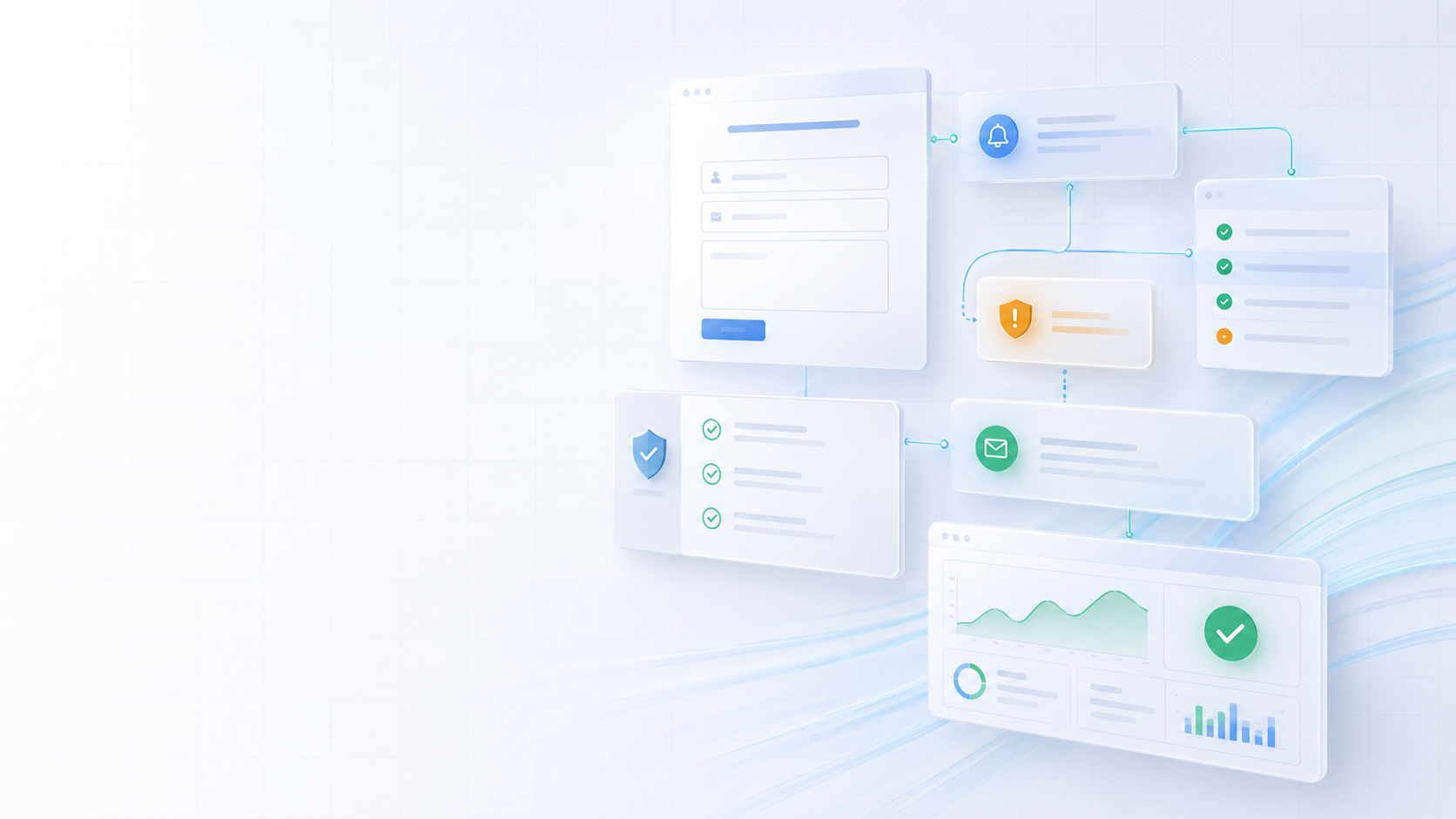
Quick check
Are your website enquiries reaching the right place?
If your website looks fine but leads are quiet, the issue may be hidden in your forms, email delivery, contact flow, messaging, or visibility.
Why Website Enquiries Get Lost Before They Reach Your Inbox
A business website can look like it is working properly and still lose enquiries.
The homepage may load. The contact page may be visible. The form may submit. The confirmation message may appear. From the visitor’s side, everything may look complete.
But behind the scenes, the enquiry may never reach the right inbox.
This is one of the most frustrating website problems because it can be invisible.
The business owner may think customers are not enquiring. The marketing may seem weak. The website may appear to have a conversion problem. But the real issue could be that form emails are going to spam, notifications are failing, the mailbox is misconfigured, or the website is not using a reliable email delivery method.
In simple terms, leads may be disappearing before anyone sees them.
For small businesses, this can be costly.
A missed enquiry could be a missed booking, project, repair, quote request, consultation, or long-term customer. If this happens repeatedly, the business may lose far more than it realises.
That is why website enquiry flow should not be judged only by how the form looks.
It needs to be tested properly from submission to inbox.
If you want help checking whether your website forms, email notifications, and enquiry flow are working reliably, explore our Website Audit service, Cloud Hosting service, or book a consultation.
A form submission is not the same as a delivered enquiry
Many business owners assume that if a website form shows a success message, the enquiry has been received.
Unfortunately, that is not always true.
A form can submit successfully on the website while the email notification fails behind the scenes. The visitor may see a message saying the form was sent, but the business may never receive the email.
This can happen for many reasons.
The website may be using basic server mail instead of authenticated email delivery. The hosting provider may block or limit outgoing email. The notification may be sent from an address that does not match the domain. Spam filters may reject or hide the message. The mailbox may have rules that move the email to another folder. The form plugin or code may be misconfigured.
From the outside, the form appears to work.
From the business side, the lead is lost.
That is why contact forms should be tested properly. A good test does not stop when the success message appears. It checks whether the notification arrives, whether it lands in the inbox, whether the reply-to address works, whether the business can respond easily, and whether the customer receives confirmation.
The full journey matters.
A website form should not only collect information. It should deliver the enquiry reliably.
Lost enquiries are often silent
The worst part about email delivery problems is that they can be silent.
If a page breaks visibly, the business may notice. If the website goes offline, someone may report it. If an image is missing, it can be seen quickly.
But if an email notification quietly fails, the business may not know.
There may be no obvious error. No alert. No clear warning. The website may continue looking normal.
This creates a dangerous situation.
The business may spend weeks or months believing enquiry volume is low, when the actual issue is delivery failure. They may change marketing activity, redesign pages, or blame traffic quality, while the real problem sits in the contact form or email setup.
This is why lead capture should have more than one layer of protection.
For important forms, it is usually better if submissions are stored in the website database or admin system as well as sent by email. That way, even if email delivery fails, the enquiry can still be recovered.
Email notifications are useful, but they should not be the only record of a lead.
A reliable enquiry system should make it difficult for leads to disappear unnoticed.
Basic website mail is often not reliable enough
Many websites send email using the hosting server’s basic mail function.
This can work in some cases, but it is not always reliable enough for business-critical enquiries.
The problem is trust.
Email providers need to decide whether a message looks legitimate. If a website sends email without proper authentication or from a server that does not have strong sending reputation, the message may be delayed, filtered, rejected, or placed in spam.
This is especially common when a website sends form notifications from an address like no-reply, admin, or a visitor’s email address without proper setup.
The email may look suspicious because the sending server is not authorised to send on behalf of that domain.
A better setup usually uses authenticated SMTP or a dedicated transactional email service. This gives the website a more reliable way to send notifications and customer confirmations.
For small businesses, this may sound technical, but the business impact is simple.
If the website depends on email to deliver enquiries, the email sending method needs to be trustworthy.
A professional website should not rely on fragile delivery for important leads.
SPF, DKIM, and DMARC help protect your domain
Business email reliability is closely connected to domain authentication.
SPF, DKIM, and DMARC are email authentication records that help receiving mail servers understand whether emails from your domain are legitimate.
In practical terms, they help reduce the chance that your emails are treated as suspicious.
They also help protect your domain from spoofing, where someone tries to send emails pretending to be your business.
For many small businesses, these records are either missing, incomplete, duplicated, or incorrectly configured.
That can affect deliverability.
You may experience issues such as emails landing in spam, customer replies not arriving properly, website form notifications being rejected, or marketing emails performing poorly.
The details can become technical, but the principle is straightforward.
Your domain should clearly tell email providers which systems are allowed to send email for your business.
If your website sends emails, your email platform sends emails, your marketing system sends emails, and your booking system sends emails, the domain setup needs to support those tools properly.
Otherwise, your messages may look less trustworthy than they should.
For businesses using Microsoft 365, Google Workspace, website forms, CRM tools, or email marketing platforms, DNS records should be reviewed carefully so each system is authorised correctly.
Customer confirmation emails build confidence
When someone submits a form, they want reassurance.
A simple confirmation message on the website is useful, but a confirmation email can create even more confidence.
It tells the customer that their enquiry was received. It gives them a copy of the details they submitted. It can explain what happens next. It can set expectations around response time. It can include helpful links, contact details, or booking information.
This improves the customer experience.
It also reduces uncertainty.
Without confirmation, a customer may wonder whether the form worked. They may submit again, call separately, or move on to another business if they are unsure.
A good confirmation email does not need to be complicated.
It should be clear, polite, and useful.
For example, it can say that the enquiry has been received, explain when the business usually responds, and provide alternative contact details if the matter is urgent.
This makes the business feel more professional.
It also helps the enquiry journey feel complete from the customer’s side.
For service businesses, small details like this can make a strong difference to trust.
Internal notifications should go to the right people
Receiving the enquiry is only the first step.
It also needs to reach the right person.
Many businesses rely on one email address for all website notifications. That may work in the beginning, but as the business grows, it can become messy.
Enquiries may need to go to different people depending on service type, location, urgency, or department.
For example, quote requests may go to sales. Support requests may go to support. Booking enquiries may go to admin. Partnership messages may go to management. Technical alerts may go to the website owner or developer.
If every message lands in one busy inbox, important enquiries can be missed.
A stronger setup can route messages more clearly.
Website forms can send notifications to specific addresses. Internal labels or mailbox rules can help organise messages. Shared mailboxes can allow multiple people to manage enquiries. Important form submissions can also be stored in an admin dashboard.
The goal is simple.
A lead should not depend on one person checking one inbox at the right time.
The enquiry process should support the way the business actually works.
Spam filters can hide real enquiries
Spam protection is necessary, but it can also create problems when not handled carefully.
Sometimes real enquiries end up in spam or junk folders.
This can happen because the form email looks automated, the sending domain is not authenticated, the message content triggers filters, or the website sends from an unreliable server.
The customer may have done everything correctly, but the business never sees the message in the main inbox.
This is why spam folders should be checked regularly, especially after launching a new website, changing hosting, changing email providers, or updating forms.
It is also why proper email authentication matters.
The more legitimate your website emails look to receiving systems, the less likely they are to be hidden.
Spam prevention on the form itself also needs balance.
If there is no protection, the business may receive too much spam. If the protection is too aggressive or broken, real customers may be blocked from submitting the form.
The best setup protects the form without making it difficult for genuine visitors to enquire.
Reply-to settings matter
A small form setting can create a big communication problem.
When a website sends a form notification, the business needs to be able to reply to the customer easily.
If the reply-to setting is wrong, replies may go to the website, a no-reply address, or a mailbox that nobody checks.
This can lead to missed conversations.
A business may receive the form notification but then accidentally reply to the wrong address. The customer never receives the response, and the business may assume the customer is not interested.
This is avoidable.
The notification should be configured so that replies go to the customer’s email address. At the same time, the actual sending address should usually belong to the business domain and be properly authenticated.
That combination helps with both deliverability and usability.
The email arrives reliably, and the business can reply naturally.
This is a small technical detail, but it affects the sales process directly.
If responding to enquiries feels awkward or unreliable, the setup should be reviewed.
Website forms should be connected to a backup record
Email is useful, but it should not always be the only place where enquiries exist.
For important business forms, it is safer to store submissions somewhere as well.
This could be in a database, admin dashboard, CRM, spreadsheet, or form management system. The right option depends on the business.
The point is to create a backup record.
If an email is missed, deleted, filtered, or delayed, the enquiry still exists elsewhere.
This is especially important for businesses that receive quote requests, bookings, consultation requests, support messages, or project enquiries.
A stored record also helps with tracking.
The business can see how many enquiries came in, what services people asked about, which forms perform best, and whether follow-ups were completed.
This turns the website from a passive brochure into a more useful business tool.
For SMEs trying to improve growth, enquiry tracking is important.
You cannot improve what you cannot see.
Email problems can make marketing look worse than it is
If enquiries are not reaching the inbox, marketing performance can look weaker than it really is.
A business may think its social media is not working. It may believe SEO is not generating leads. It may assume the website content is not convincing. It may blame the market, the offer, or the traffic source.
Sometimes those things need improvement.
But sometimes the issue is much simpler.
People are submitting forms, and the business is not receiving them.
This is why technical testing should happen before making major marketing decisions.
If you are running a campaign, publishing content, improving SEO, sending outreach, or driving traffic to a landing page, the enquiry flow must be reliable.
Otherwise, you may be sending potential customers into a broken process.
A campaign should always be supported by a tested contact route.
That includes the form, email delivery, confirmation message, customer autoresponder, business notification, reply-to address, spam filtering, and backup record.
When these pieces work properly, marketing data becomes more trustworthy.
Business email should look professional
Email infrastructure is not only about delivery.
It also affects perception.
A business using a professional domain email address usually feels more trustworthy than one relying only on a free personal email address.
For example, an address using the business domain creates consistency across the website, invoices, proposals, social media, and customer communication.
It shows that the business has invested in a proper digital presence.
This matters because trust is built from many small signals.
A modern website with an unprofessional email setup can feel inconsistent. A polished contact page that sends from a strange address can create doubt. A form confirmation from an unfamiliar sender may confuse the customer.
Professional email helps the whole brand feel more credible.
It also makes it easier to set up proper authentication, shared mailboxes, aliases, and internal workflows.
For growing SMEs, business email should be treated as part of the company’s digital foundation, not as an afterthought.
Shared mailboxes can improve enquiry management
As a business grows, one person’s inbox may not be enough.
Shared mailboxes can help teams manage enquiries more effectively.
For example, addresses like info, support, bookings, sales, or accounts can allow the business to organise communication by purpose.
This helps avoid mixing customer enquiries with personal emails, supplier messages, invoices, marketing notifications, and internal communication.
A shared mailbox also reduces dependency on one person.
If one team member is unavailable, another person can still access the enquiry and respond.
This can improve response time and reduce missed opportunities.
For small businesses, the setup does not need to be complicated. Even a simple structure can make communication cleaner.
The important thing is that enquiry ownership is clear.
Who receives the message?
Who responds?
What happens if they are unavailable?
Where is the enquiry recorded?
How is follow-up tracked?
Without this clarity, leads can be lost even when the email technically arrives.
Testing should be part of website maintenance
A contact form should not be tested only on launch day.
It should be tested regularly.
Websites change. Hosting changes. Email providers change. DNS records change. Plugins update. Forms are edited. Spam filters become stricter. Staff mailboxes are added or removed.
Any of these changes can affect delivery.
Regular testing helps catch problems before they cost the business leads.
A simple test should check the full journey:
Submit the form as a visitor.
Check the success message.
Confirm the business notification arrives.
Confirm it lands in the inbox, not spam.
Check the reply-to address.
Check whether the customer confirmation arrives.
Check whether the submission is stored.
Test on mobile as well as desktop.
This does not take long, but it can prevent serious problems.
For businesses that depend on website enquiries, this should be part of ongoing website care.
A form that worked last year may not be working properly today.
Enquiry flow is part of conversion
Many people think conversion is only about design and copy.
Those things are important, but conversion also depends on what happens after the visitor takes action.
If the form is hard to use, the confirmation is unclear, the email is not delivered, or the reply process is broken, the conversion journey fails.
That means email infrastructure is part of website performance.
A website can have a strong headline, clear service pages, good CTAs, and professional design, but still lose business if the final enquiry step is unreliable.
This is why website audits should include the enquiry flow.
The question is not only whether the website looks good.
The question is whether a real customer can move from interest to contact smoothly and whether the business receives the lead reliably.
For service businesses, that is one of the most important parts of the website.
A website that generates enquiries but fails to deliver them is not doing its job properly.
Final thoughts
Some businesses believe their website is not generating enquiries, when the real issue is that enquiries are getting lost before they reach the inbox.
This can happen because of weak form setup, poor email delivery, missing authentication, spam filtering, incorrect reply-to settings, broken notifications, or no backup record of submissions.
The problem is often silent.
That makes it dangerous.
A business may lose leads without realising it. Marketing may appear less effective. Website performance may be misunderstood. Customers may submit forms and never receive a response.
The good news is that many of these issues can be identified and fixed.
A reliable enquiry flow should be tested from the customer’s first click to the business inbox and follow-up process. It should include proper email delivery, customer confirmation, internal notifications, professional mailboxes, spam protection, and stored records where needed.
If your website relies on forms, bookings, quote requests, or consultation enquiries, this area deserves serious attention.
If you want help reviewing your website enquiry flow, email notifications, and business email setup, explore our Website Audit service, Cloud Hosting service, contact us, or book a consultation.
Keep reading
Related insights
More practical guidance to help improve visibility, conversion, enquiries, and digital systems.

Why Growing Businesses Should Use Email on Their Own Domain
A Gmail or Outlook address may be enough when a business is just starting, but a custom-domain email creates stronger ownership, consistency, security, and room to grow. Here is why professional email infrastructure matters.

The Real Risk of Free Website Offers for Small Businesses
Free website offers may sound attractive, especially from new developers building a portfolio. But for serious businesses, a free website can create hidden costs, ownership problems, weak SEO, security risks, and expensive repairs later.
Why Product-Based Businesses Should Consider Their Own Online Shop
Social media and marketplaces can help product-based businesses get attention, but relying only on third-party platforms can limit control, trust, customer data, and long-term growth. Learn why a dedicated e-commerce website can create a stronger foundation.
Discussion
Comments
No comments yet
Be the first to share a useful thought, question, or takeaway from this article.