
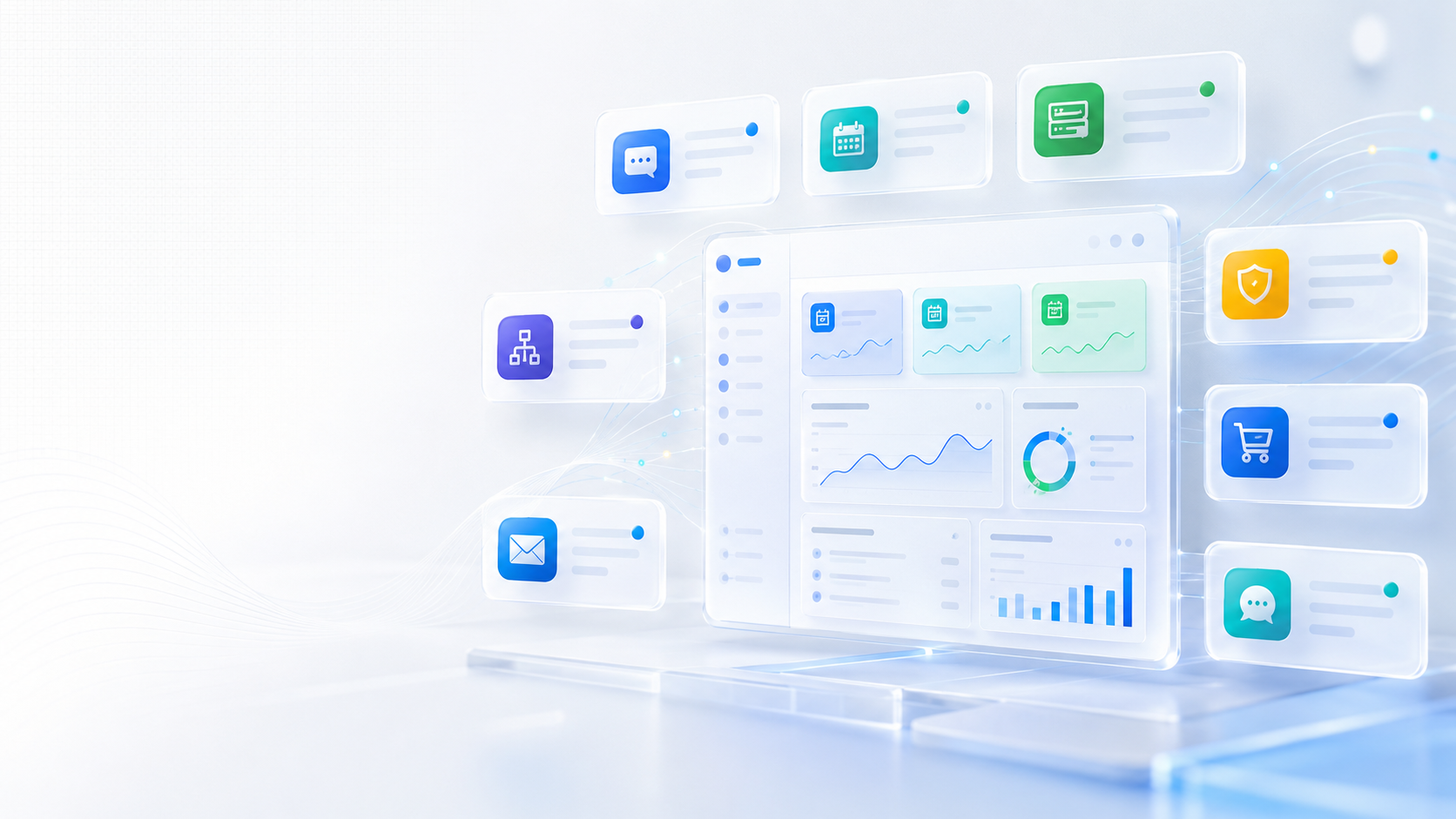
Quick check
Are your website enquiries reaching the right place?
If your website looks fine but leads are quiet, the issue may be hidden in your forms, email delivery, contact flow, messaging, or visibility.
Introducing EMPEX Smart Alerts: Helping Businesses Respond Faster and Miss Less
At Empex Digital, our current campaign is focused on one clear message.
Many businesses are losing opportunities because their digital systems are not connected, monitored, or responsive enough.
A website may be live, but enquiries may still be missed.
A booking system may exist, but reminders may still depend on manual checking.
An online store may receive orders, failed payments, or abandoned checkouts, but the right person may not notice quickly enough.
A server may have problems, an SSL certificate may be close to expiry, or a website may go down, but the business may only discover it after customers have already been affected.
These issues are not always dramatic at first.
They often happen quietly.
A missed notification here. A delayed response there. A failed form email. A forgotten booking update. A website issue that nobody noticed quickly enough. A customer question sitting in the wrong inbox. A technical warning that becomes urgent because it was not monitored earlier.
That is why we recently launched EMPEX Smart Alerts.
Smart Alerts is our business notification automation service designed to help companies respond faster, improve visibility, and reduce the risk of important activity being missed.
It can support enquiry alerts, booking notifications, operational updates, infrastructure monitoring, e-commerce alerts, AI-assisted workflow routing, and connected notification systems across websites, apps, dashboards, and cloud-hosted platforms.
This service fits directly into our wider campaign because stronger digital presence is not only about having a good-looking website.
It is also about what happens after someone interacts with your business.
If you want help improving enquiry response, workflow visibility, website monitoring, or business notification automation, explore our Smart Alerts service, AI Integration service, or book a consultation.
Why Smart Alerts matters
Most businesses already receive important information every day.
The problem is not always the lack of information.
The problem is that information is often scattered.
Some messages arrive through website forms. Some come by email. Some come through booking systems. Some come from payment platforms. Some are hidden inside dashboards. Some are buried in admin panels. Some appear only if someone remembers to check a system manually.
This creates risk.
If the right person does not see the right update at the right time, the business can lose momentum.
A customer may wait too long for a reply.
A booking change may be missed.
A failed payment may not be followed up.
A website issue may affect trust.
A high-value enquiry may sit unnoticed.
An operational problem may become bigger than it needed to be.
Smart Alerts is designed to reduce this kind of friction.
Instead of relying only on manual checking, businesses can create automated notification workflows around the events that matter most.
When something important happens, the right person can be notified quickly.
That simple idea can make a major difference to response speed, customer experience, and internal control.
Missed notifications can mean missed revenue
Many businesses think about revenue loss only in obvious ways.
A cancelled order.
A lost contract.
A failed sale.
A customer choosing a competitor.
But missed revenue often starts earlier than that.
It starts when an enquiry is not answered quickly enough.
It starts when a quote request is delayed.
It starts when a booking update is missed.
It starts when a customer submits a form and nobody responds.
It starts when an abandoned checkout is not followed up.
It starts when a website issue stops people from trusting the business.
These moments are easy to underestimate because each one may seem small on its own.
But over time, they add up.
A business may believe it needs more traffic, more advertising, or more social media activity, when part of the problem is that existing opportunities are not being handled quickly or consistently enough.
This is why Smart Alerts is useful.
It helps businesses notice important activity faster.
A faster response does not guarantee every lead will become a customer, but it gives the business a better chance.
It keeps the opportunity alive.
It shows the customer that the business is active, organised, and ready to help.
Website enquiries should not depend on manual inbox checking
Website enquiries are one of the clearest use cases for Smart Alerts.
A customer fills in a form.
They ask for a quote, consultation, service, booking, support, or more information.
At that moment, they are showing interest.
But if the enquiry is only sent to a general inbox, it may sit there for hours or even days depending on how the business works.
The inbox may be busy.
The message may go to spam.
The wrong person may receive it.
Someone may see it but forget to follow up.
The enquiry may not be logged anywhere.
This is where a smart enquiry alert system can help.
A website form submission can trigger an immediate internal alert. The customer can receive a confirmation. The enquiry can be routed to the right person. The lead can be added to a workflow or dashboard. A follow-up task can be created if needed.
This creates a stronger process.
The business is no longer relying only on someone checking the inbox at the right time.
The enquiry becomes part of a controlled workflow.
For service businesses, this can be especially valuable because every missed enquiry could be a missed job, consultation, booking, or project.
Booking notifications need to be clear and reliable
Booking systems are useful, but they still need proper notification logic.
A booking may be created.
A booking may be changed.
A customer may cancel.
A reminder may need to be sent.
A staff member may need to be notified.
A follow-up may need to happen after the appointment.
If these steps are handled manually, the process can become messy.
This is especially true for businesses with busy calendars, multiple services, changing availability, or customer-facing appointment flows.
Smart Alerts can support booking and appointment automation.
For example, the business can receive a notification when a booking is made. The customer can receive confirmation. The admin team can be alerted about changes. Reminders can be triggered before the appointment. Cancellation updates can be sent to the right person. Follow-up messages can be planned after the service.
This improves customer experience because the booking journey feels more organised.
It also improves internal visibility because the team does not need to manually check every system constantly.
For salons, consultants, agencies, clinics, trades businesses, training providers, and appointment-based services, this kind of automation can reduce admin pressure quickly.
Infrastructure alerts protect website trust
Not every alert is customer-facing.
Some of the most important alerts happen behind the scenes.
A business website can experience downtime, SSL certificate issues, failed services, server resource problems, broken integrations, or technical errors.
If nobody notices quickly, the website can damage trust before the business realises there is a problem.
A visitor may try to open the website and see an error.
A customer may try to submit a form and fail.
A browser may show a security warning.
A booking or payment system may stop working.
A marketing campaign may send traffic to a page that is unavailable.
These problems can be costly because they affect the customer journey directly.
Smart Alerts can support infrastructure monitoring by notifying the business or technical team when something important needs attention.
This might include website downtime, SSL expiry, high server usage, failed services, broken workflows, or other technical risks.
The goal is not to create noise.
The goal is to make sure important issues are noticed early enough to act.
For businesses that rely on their website for enquiries, bookings, payments, or credibility, this kind of monitoring is part of professional digital operations.
Our Cloud Hosting service can also support businesses that need reliable hosting, deployment, performance, and monitoring foundations.
E-commerce stores need fast operational alerts
E-commerce businesses depend on timely information.
A new order matters.
A failed payment matters.
A refund request matters.
An abandoned checkout may be recoverable.
A low-stock warning can prevent sales problems.
A customer issue may need quick response.
If these events are not visible, the business can lose revenue or create a weaker customer experience.
Smart Alerts can help e-commerce businesses create notification workflows around important store activity.
For example, the business can receive alerts for new orders, failed payments, abandoned checkouts, low stock, refund requests, and important customer actions.
This helps the team respond more quickly.
It can also support better internal organisation.
Instead of checking several dashboards manually, key activity can be pushed to the right person or system.
For small e-commerce businesses, this can be especially useful because the owner or team may be managing products, fulfilment, customer support, marketing, and admin at the same time.
Smart alerts reduce the chance of important activity being buried.
They make the store easier to manage.
AI-assisted routing can make alerts smarter
Basic alerts are useful.
But smarter alerts can be even more powerful.
Not every enquiry or event needs the same response.
Some enquiries are urgent. Some are sales opportunities. Some are support questions. Some are booking requests. Some are low priority. Some need technical attention. Some should go to a specific person.
AI-assisted routing can help classify activity and trigger the right workflow.
For example, a website enquiry can be checked for type, urgency, service interest, location, or next action. Based on that classification, the system can notify the right person, apply a label, create a task, send a confirmation, or move the lead into a workflow.
This helps businesses avoid treating every message the same.
A high-value quote request should not disappear into the same inbox as a general question.
A technical issue should not wait for someone in sales to forward it manually.
A booking problem should not sit unnoticed because nobody checked the admin panel.
AI-assisted workflow notifications help make the system more intelligent.
The human team still makes the important decisions, but the routine sorting and routing becomes easier.
This is where Smart Alerts connects closely with our AI Integration service.
Smart Alerts can support internal teams
Good communication is not only about customers.
Internal communication matters too.
Many businesses lose time because team members do not have clear visibility of what is happening.
A lead arrives, but only one person knows.
A booking changes, but the update is not shared.
A technical issue appears, but the right person is not alerted.
A payment fails, but nobody follows up.
A support request is received, but it is not assigned.
This creates delays and confusion.
Smart Alerts can help by making important events visible to the right people.
Depending on the business, alerts can be connected to email, SMS-ready workflows, dashboards, CRM systems, admin portals, or internal processes.
The best setup depends on how the business operates.
A small team may only need simple email alerts.
A growing business may need routing, escalation logic, dashboards, and workflow documentation.
An e-commerce or SaaS-style platform may need more advanced monitoring and operational notifications.
The goal is always the same.
Make important activity easier to notice, assign, and handle.
Smart Alerts works well with websites, apps, and admin portals
Smart Alerts can be used as a standalone service, but it is especially powerful when connected to existing digital systems.
A website can trigger enquiry alerts.
A booking system can trigger confirmation and cancellation workflows.
An e-commerce platform can trigger order and payment alerts.
An admin dashboard can show important activity.
A cloud-hosted application can trigger infrastructure notifications.
A CRM can receive structured lead information.
An AI workflow can classify and route messages.
This is why we see Smart Alerts as part of a wider digital operations strategy.
Modern business websites should not only display information.
They should support action.
When someone submits a form, books a consultation, makes a purchase, requests a quote, or triggers a system event, the business should have a reliable way to respond.
That is what Smart Alerts helps create.
It turns important digital activity into a managed workflow.
For businesses planning a new website or platform, Smart Alerts can be built into the project from the beginning.
For businesses with an existing system, Smart Alerts can often be added as an improvement layer.
Why this service fits our current campaign
Our current Empex Digital campaign is focused on practical digital growth for UK businesses.
We are talking about website trust, local SEO, AI search visibility, service pages, contact forms, cloud hosting, email infrastructure, automation, and conversion.
Smart Alerts connects all of these areas.
A better website helps generate enquiries.
Smart Alerts helps make sure those enquiries are noticed.
SEO can bring more visitors.
Smart Alerts helps the business respond when visitors take action.
Cloud hosting keeps systems reliable.
Smart Alerts helps monitor problems before they become bigger.
AI automation reduces manual work.
Smart Alerts gives that automation a practical business use case.
Email infrastructure supports delivery.
Smart Alerts improves how notifications are triggered, routed, and handled.
This is why the service is so relevant to our campaign.
It is not just another add-on.
It solves a real operational problem that many businesses experience every day.
Important things happen, but the business does not always notice quickly enough.
Smart Alerts helps close that gap.
Smart Alerts is useful for many types of businesses
Different businesses need different alert systems.
A local service business may need enquiry and quote request alerts.
A salon may need booking confirmations, cancellation updates, and reminders.
A consultant may need consultation request alerts and follow-up workflows.
An e-commerce store may need order, payment, refund, and stock alerts.
A digital platform may need infrastructure monitoring and user activity notifications.
A construction or trade business may need project enquiry alerts and internal routing.
A professional service provider may need lead classification and admin notifications.
A growing company may need dashboard or CRM-connected workflows.
This flexibility is important because notification automation should match the business process.
A generic alert system may help a little, but the real value comes when the workflow is designed around how the business actually operates.
Who needs to know?
When do they need to know?
What action should happen next?
What should the customer receive?
Should the alert go to email, SMS, dashboard, CRM, or another workflow?
Should anything be logged or tracked?
These questions shape the right setup.
That is why our Smart Alerts implementation starts with discovery and workflow design before integration and testing.
Small improvements can create a big operational difference
Smart Alerts does not always need to begin with a large system.
For many businesses, the first version can be simple.
A better contact form alert.
A customer confirmation email.
A booking notification.
A failed payment alert.
A downtime warning.
A follow-up reminder.
A lead routing workflow.
A basic admin notification system.
These improvements may sound small, but they can make the business feel more controlled.
The team spends less time checking manually.
Customers receive clearer communication.
Important events are noticed faster.
Follow-ups become less dependent on memory.
Technical issues are less likely to go unnoticed.
This is often the best way to introduce automation.
Start with the areas where missed activity creates the most risk.
Then improve gradually.
A business does not need to automate everything at once.
It needs to automate the right things first.
Testing is essential
A notification system is only useful if it works reliably.
That is why testing matters.
Every alert path should be checked properly.
If a form is submitted, does the alert arrive?
Does it go to the right person?
Does the customer receive confirmation?
Does the alert contain the right details?
Does the workflow behave correctly on mobile?
Does the escalation logic work?
Does the system avoid unnecessary noise?
Does the business know what to do when the alert is received?
Poorly tested alerts can create confusion.
Too many alerts can become noise.
Missing alerts can create the same problem the system was meant to solve.
A good Smart Alerts setup should be clear, practical, and reliable.
It should support the business instead of overwhelming it.
This is why workflow design is just as important as technical implementation.
Smart Alerts supports better customer experience
Customers may never see the alert system directly.
But they feel the result.
They receive faster responses.
They get clearer confirmations.
Their bookings are handled more reliably.
Their enquiries are less likely to be missed.
Their payment or order issues can be noticed sooner.
Their support requests can reach the right person faster.
Their experience feels smoother because the business is more organised behind the scenes.
This is one of the most important points.
Digital operations affect customer experience even when customers do not see the technical system.
A business that responds quickly and communicates clearly feels more professional.
A business that misses messages, delays replies, or seems disorganised can lose trust.
Smart Alerts helps improve the hidden operational layer that supports customer trust.
We are ready to build smarter notification systems
The launch of Smart Alerts is part of our wider direction at Empex Digital.
We want to help businesses move beyond basic websites and disconnected tools.
A modern digital setup should help the business operate better.
That may mean stronger websites, better SEO, AI automation, cloud hosting, reliable email delivery, smarter dashboards, booking systems, e-commerce platforms, or notification workflows.
Smart Alerts sits naturally within that direction.
It helps businesses connect activity with action.
It makes websites, apps, and platforms more useful because important events are no longer left hidden inside systems.
If your business already has a website, booking platform, e-commerce store, or admin system, Smart Alerts may help improve how that system supports your team.
If you are planning a new digital project, alert workflows can be included from the start.
Either way, the goal is practical.
Respond faster.
Miss less.
Improve visibility.
Create better control.
Final thoughts
Smart Alerts is our new service designed to help businesses respond faster and manage important activity more reliably.
It can support website enquiry alerts, booking notifications, AI workflow routing, infrastructure monitoring, e-commerce alerts, customer confirmations, internal notifications, and connected operational workflows.
For many businesses, this kind of system can reduce missed opportunities and improve daily control.
It helps make sure that important activity is noticed, routed, and handled properly.
That matters because digital growth is not only about attracting more visitors.
It is also about what happens when those visitors take action.
If your business receives enquiries, bookings, orders, payments, support requests, or depends on a reliable website or platform, Smart Alerts may be a practical way to strengthen your operations.
If you want to explore how this could work for your business, visit our Smart Alerts service, contact us, or book a consultation.
Keep reading
Related insights
More practical guidance to help improve visibility, conversion, enquiries, and digital systems.
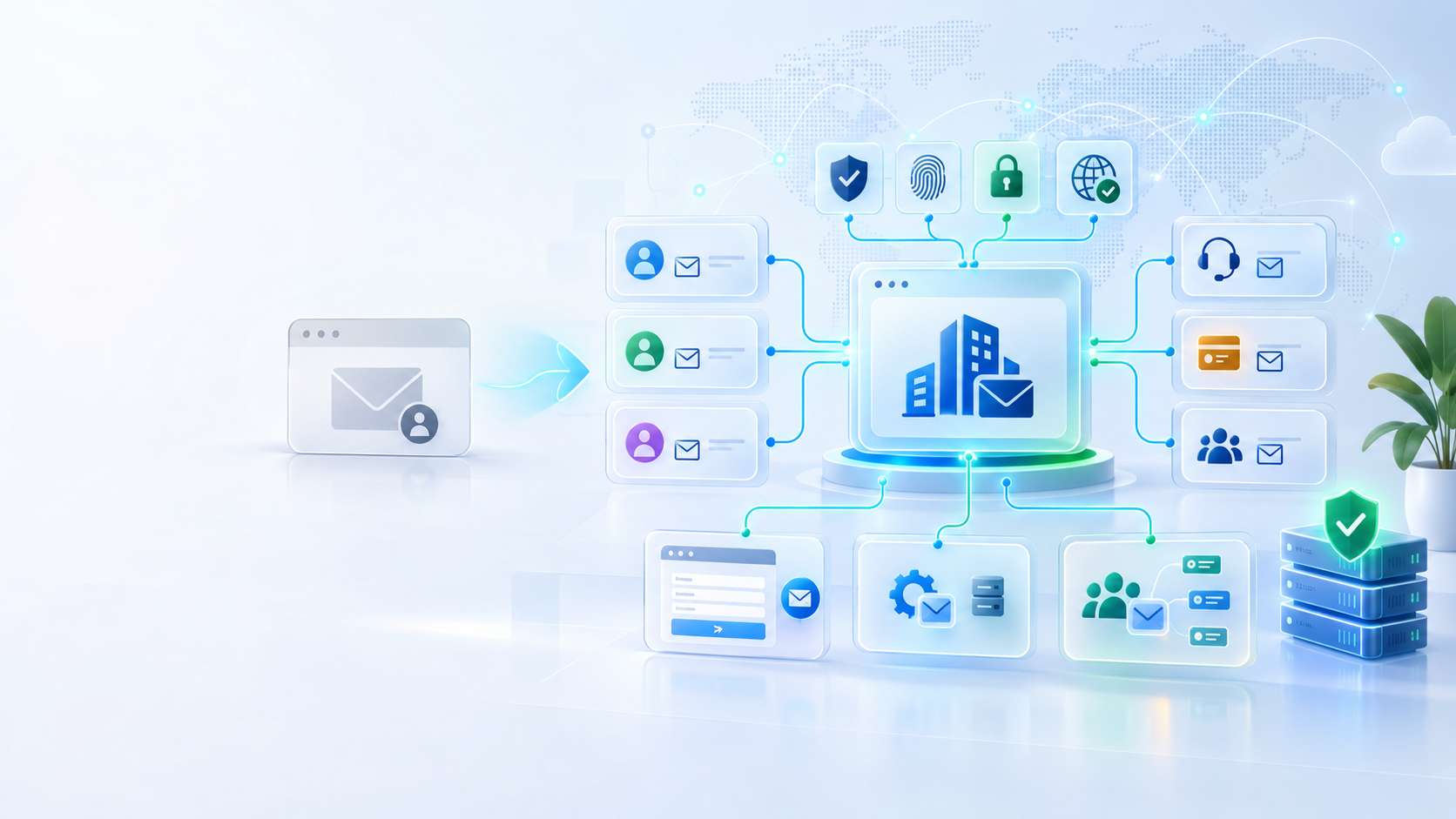
Why Growing Businesses Should Use Email on Their Own Domain
A Gmail or Outlook address may be enough when a business is just starting, but a custom-domain email creates stronger ownership, consistency, security, and room to grow. Here is why professional email infrastructure matters.

Why EMPEX Digital Chooses Linux for Development and Daily Work
Linux plays an important role in how EMPEX Digital works. From development and servers to automation and the terminal, we look at why we prefer Linux, what makes it useful, and a few simple commands beginners can start using today.
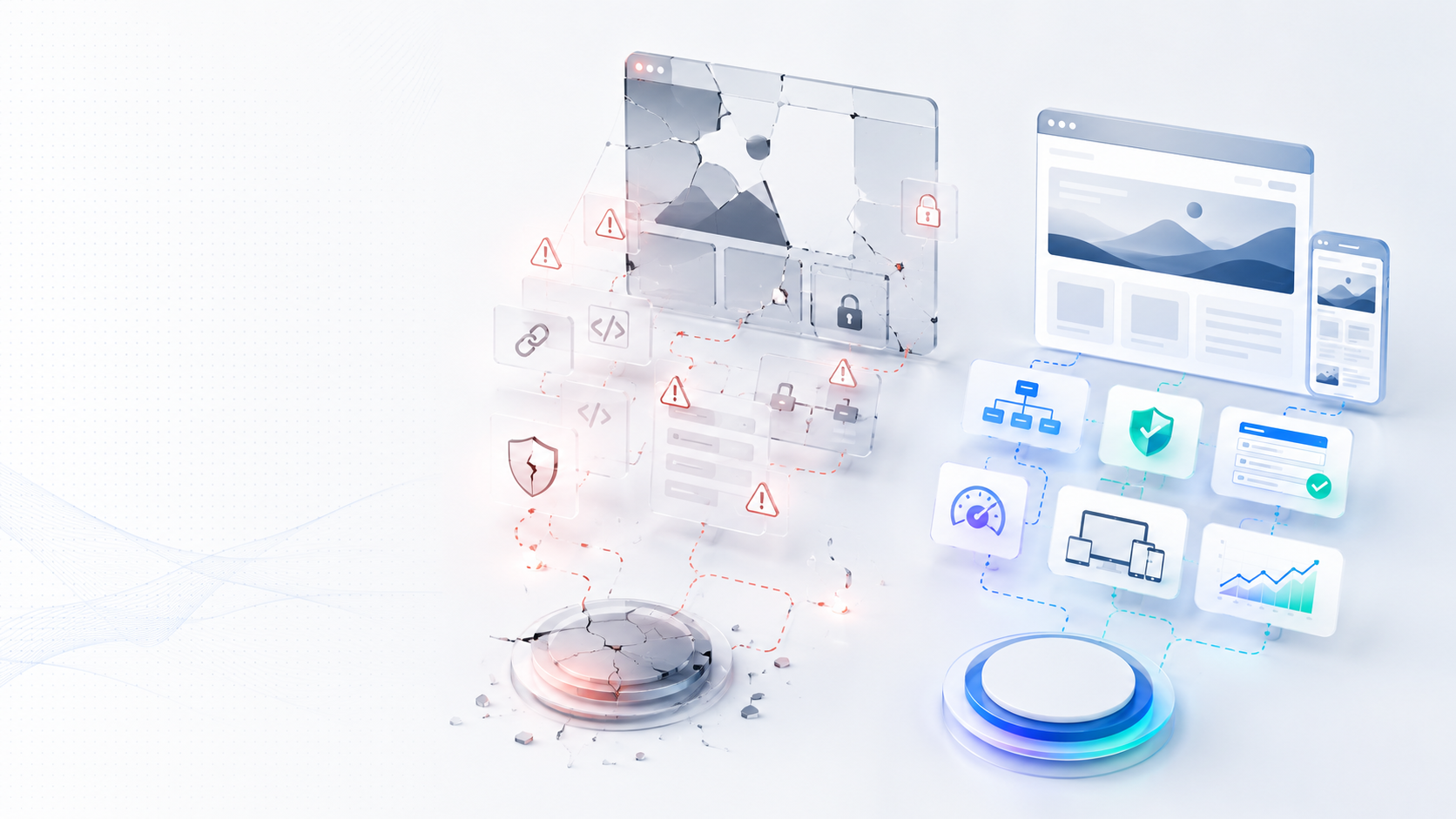
The Real Risk of Free Website Offers for Small Businesses
Free website offers may sound attractive, especially from new developers building a portfolio. But for serious businesses, a free website can create hidden costs, ownership problems, weak SEO, security risks, and expensive repairs later.
Discussion
Comments
No comments yet
Be the first to share a useful thought, question, or takeaway from this article.